React Native: Installation Guide for Linux

Things to have before installing React native (We will be using React CLI)
Node
Java Development Kit
Android Development Kit
Installing Node
Go to below mentioned site and download the any version of Node
  node --version
  sudo apt install  npm
  npm --version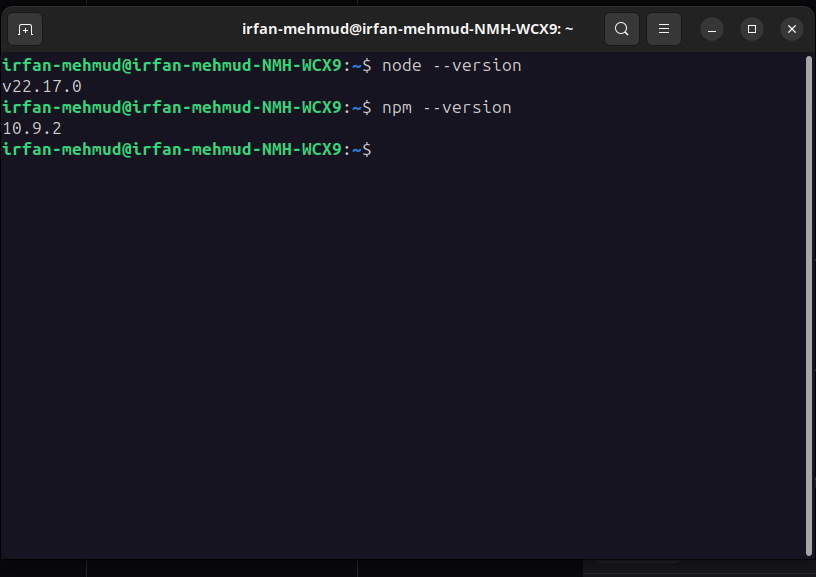
Installing Java Development Kit
sudo apt update
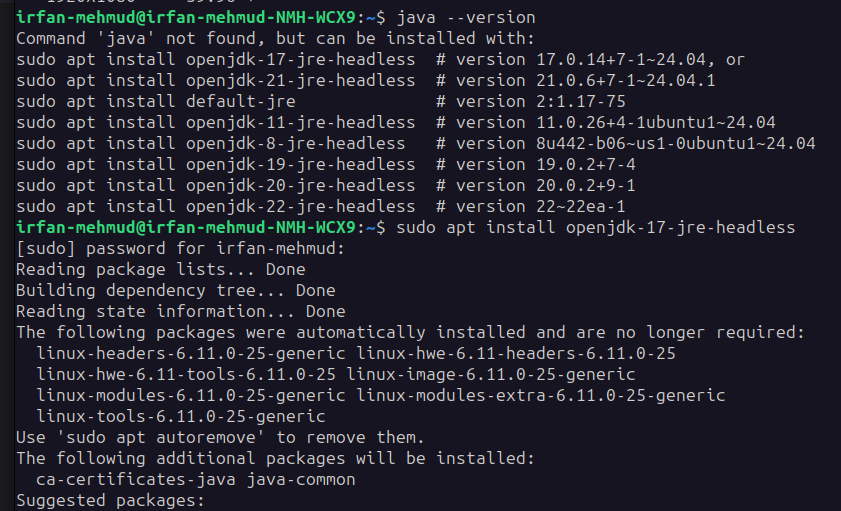
sudo apt install openjdk-17-jre-headless
java --version
React Native currently recommends version 17 of the Java SE Development Kit (JDK)
After running all these if you can see the version then installation is finished

Installing Android Development Kit
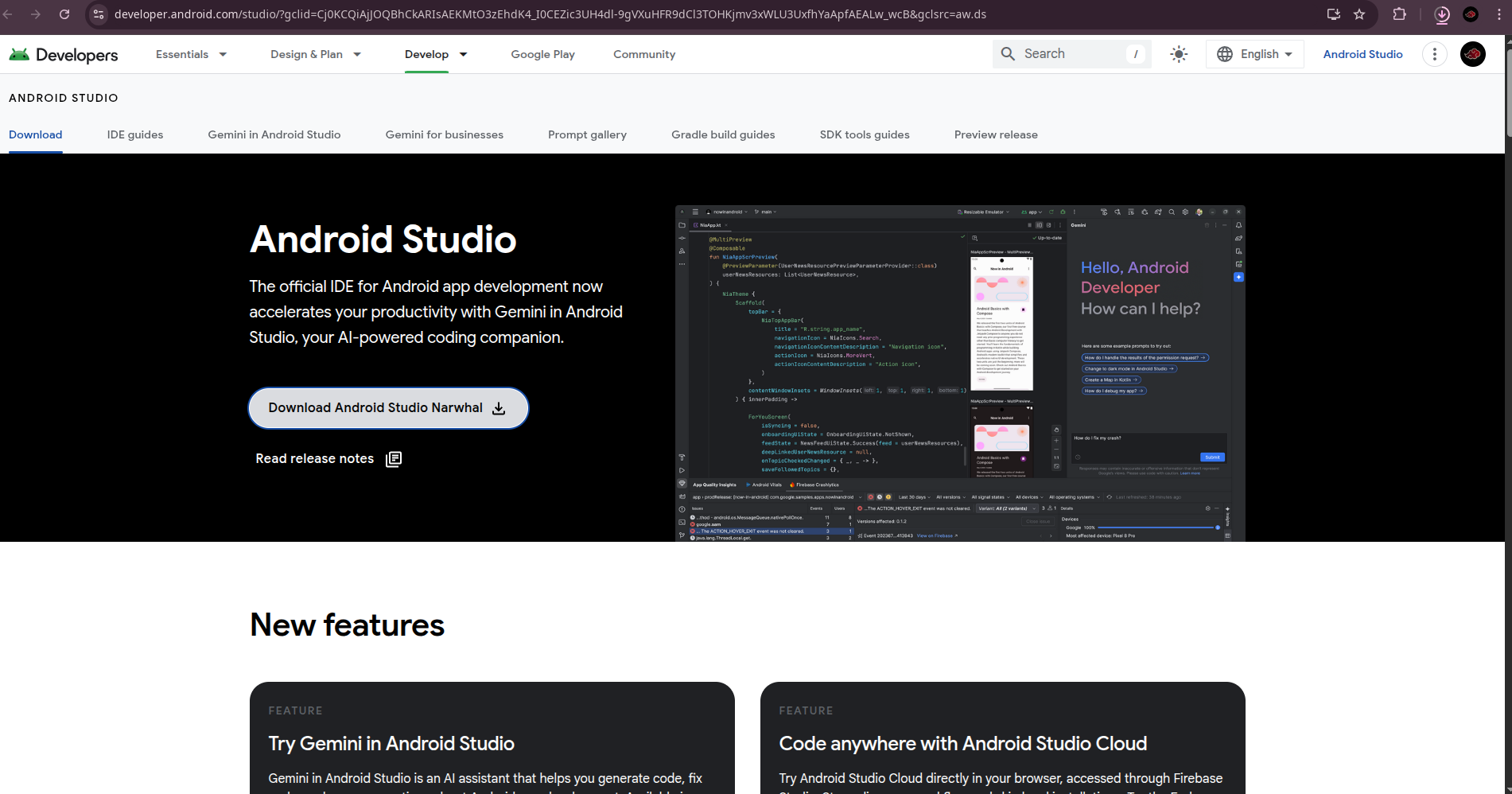
Go to below site to and click the download . Do next next then it will take some time to install
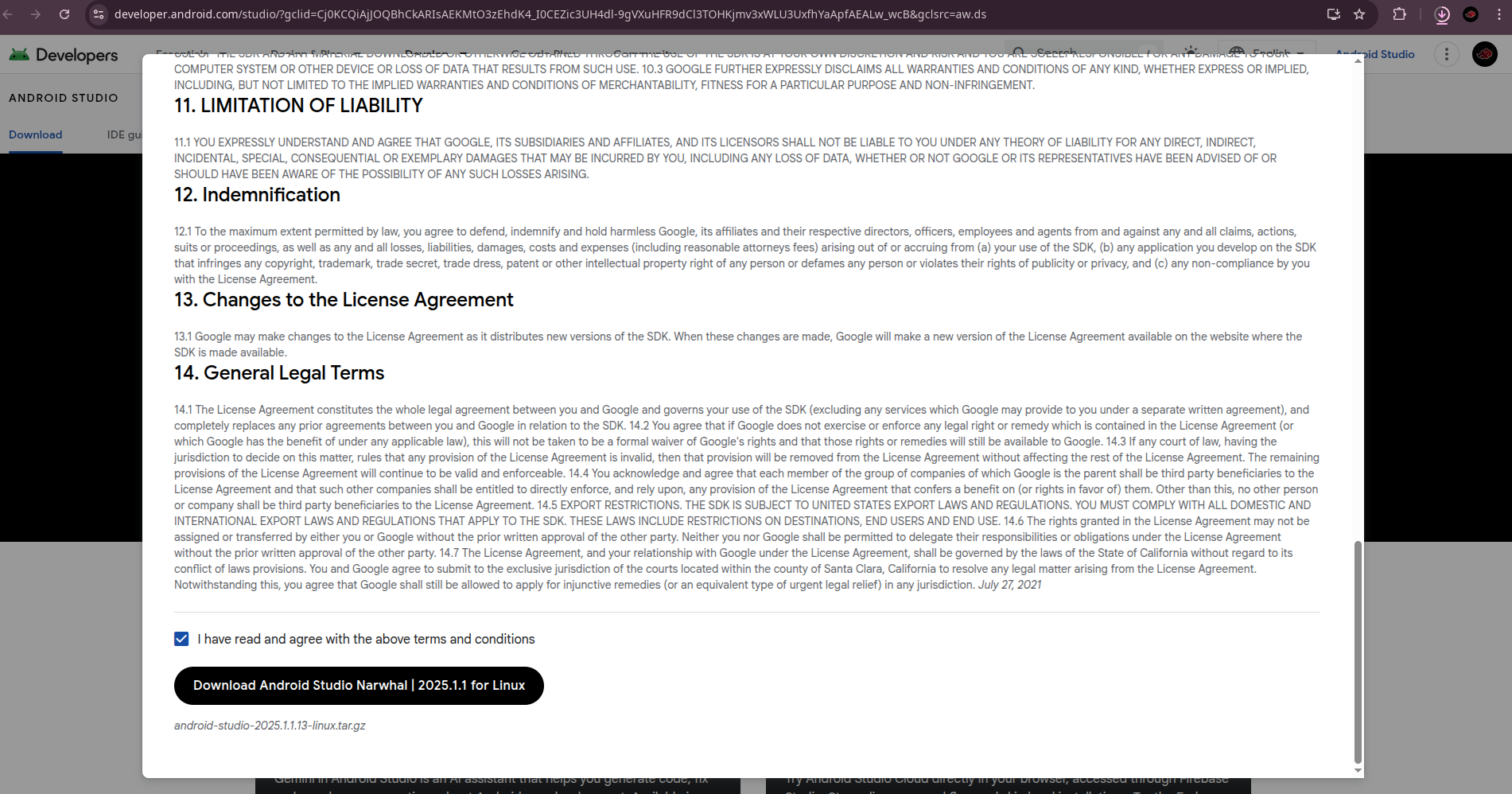
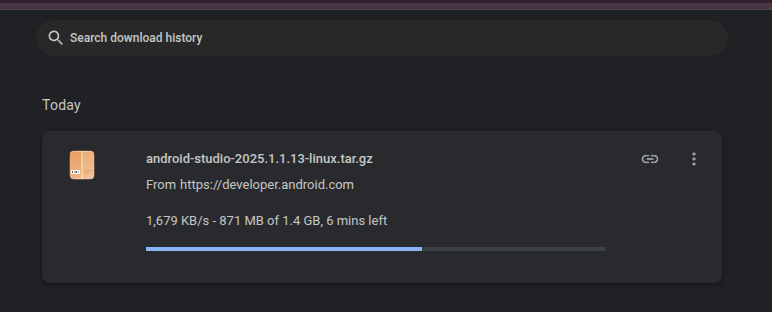
Points to do after successfully installing Android Studio
Extract the File after downloading
Navigate to the folder where the extracted folder is present
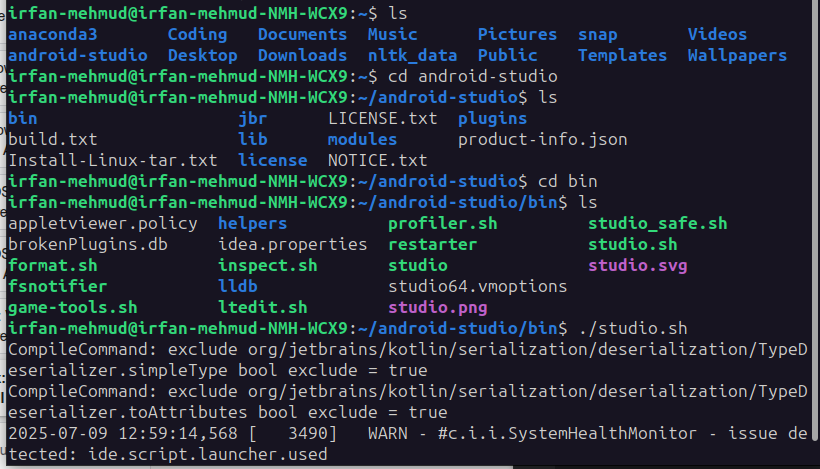
After that Your Android Studio GUI will be launched
Make sure to tick the below to successfully work it without any problem
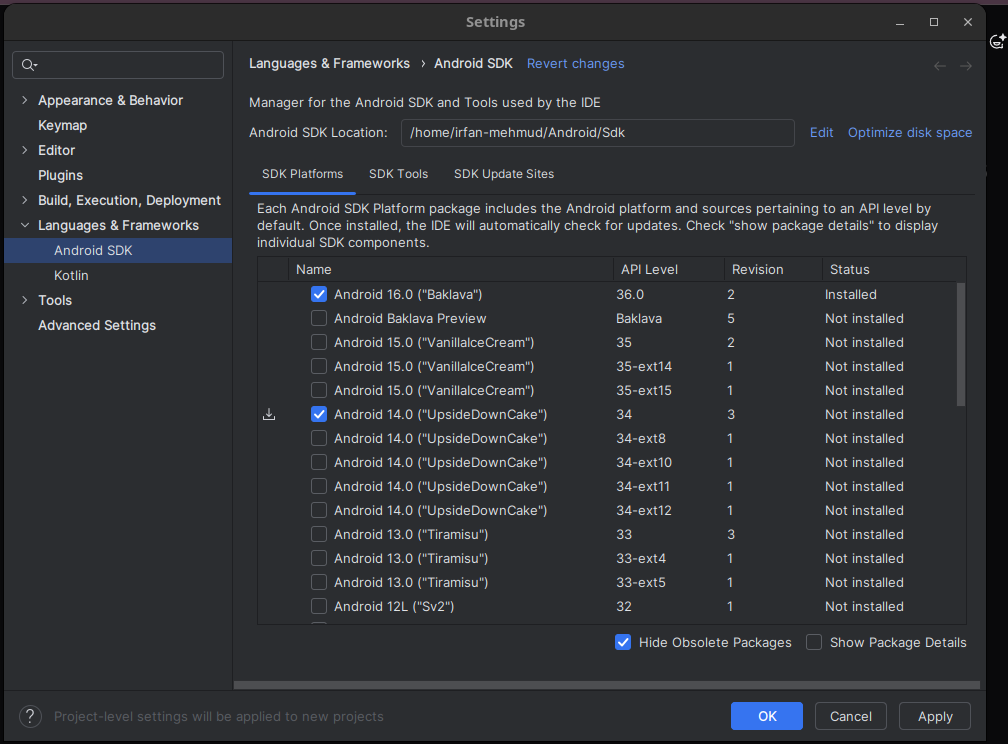
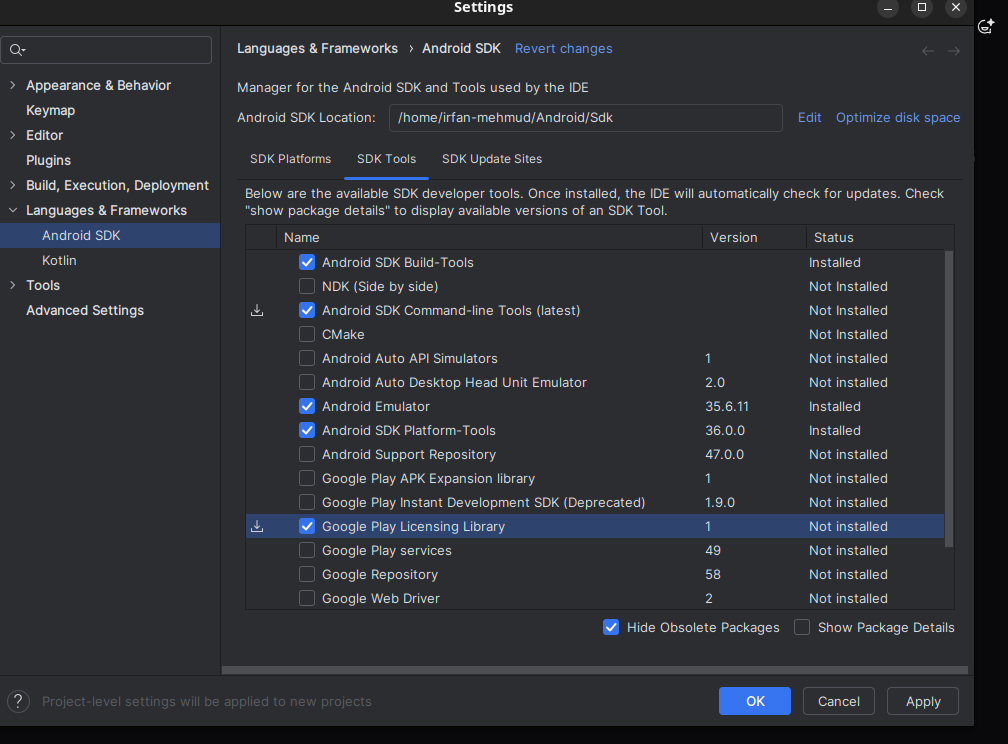
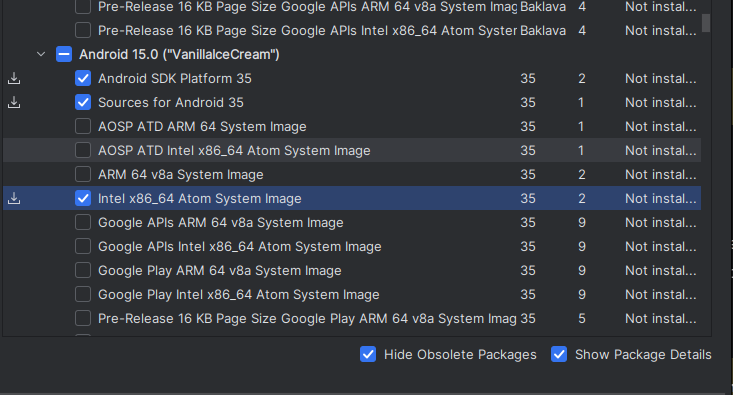
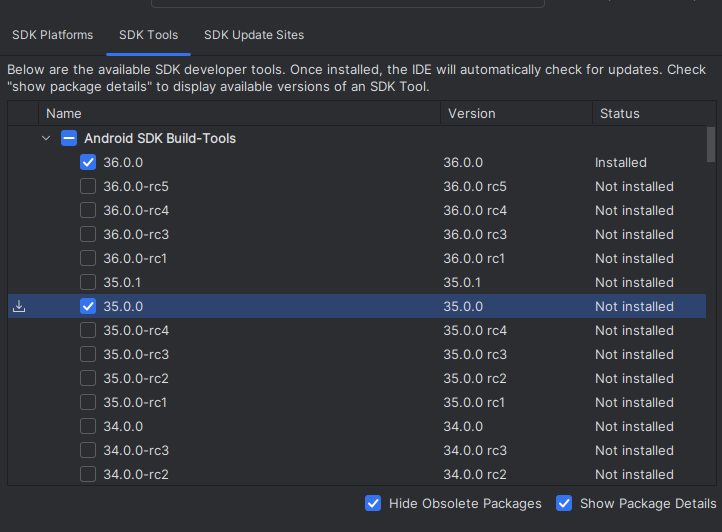
After clicking all these click on apply then it will get downloaded. Wait some time till it downloads
After installing Configure the ANDROID_HOME environment variable
nano ~/.bashrcAdd these lines at the bottom of the file:
  export ANDROID_HOME=$HOME/Android/Sdk
  export PATH=$PATH:$ANDROID_HOME/emulator
  export PATH=$PATH:$ANDROID_HOME/platform-tools
Save and exit (
Ctrl+O, thenEnter, thenCtrl+X)Apply the changes:
source ~/.bashrcRun the below commands to check it variables are setup successfullt
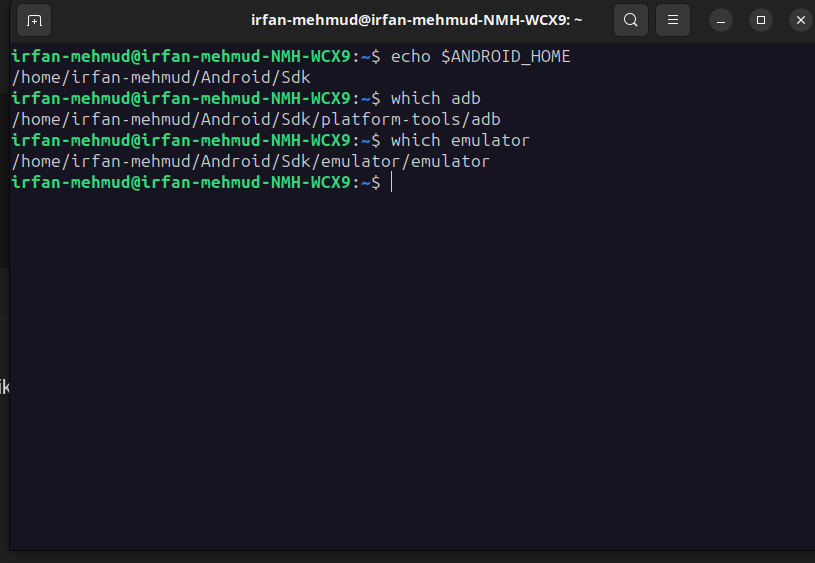
Also run the below commands
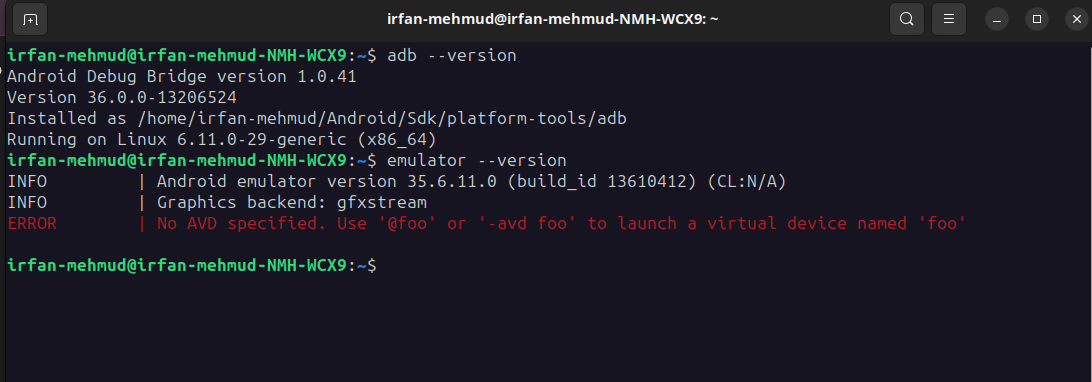
  adb --version
  emulator --version